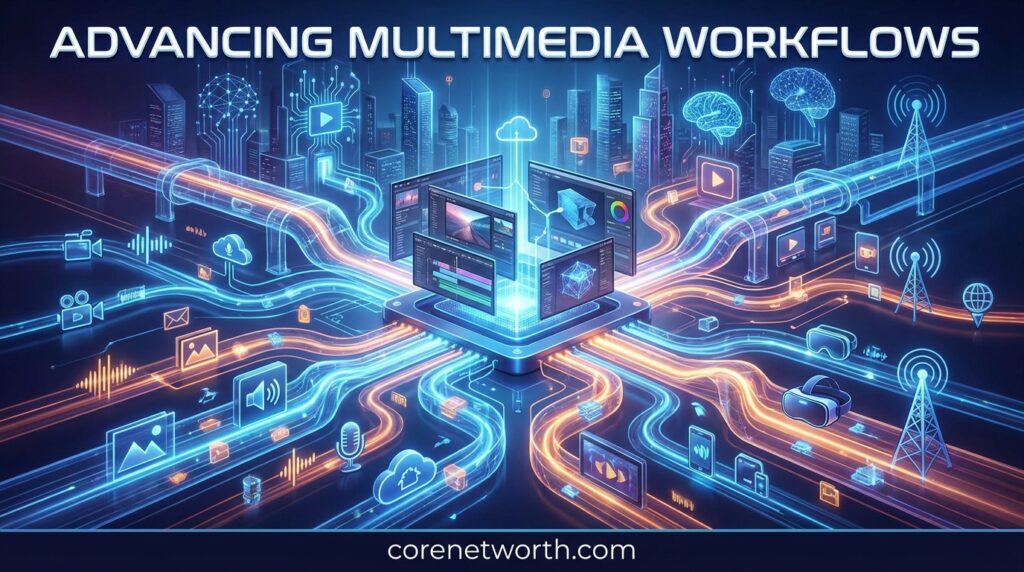



Advancing Multimedia Workflows has become increasingly important as creators, businesses, marketers, and media teams produce more video, audio, images, graphics, and written content than ever. In 2026, a modern workflow isn’t just about editing a video or uploading a finished file. It connects planning, content creation, artificial intelligence, automation, editing, asset management, quality control, publishing, and distribution.
The big change is speed. Teams want to create more content without sacrificing quality. AI tools can now help with scripts, captions, transcription, images, video generation, audio production, and repetitive production tasks. Still, technology works best when it’s part of a clear process.
This guide explains how modern multimedia workflows work, where AI and automation fit, how creators can use them for TikTok and YouTube, and what the future may look like.
What Does Advancing Multimedia Workflows Mean?
Understanding Multimedia Workflows
A multimedia workflow is the complete process used to take an idea and turn it into finished digital content. Depending on the project, it can include text, photography, video, audio, animation, graphics, captions, and other digital assets.
For example, a simple video workflow might look like this:
Idea → Research → Script → Recording → Editing → Captions → Quality Check → Publishing → Distribution
A larger media organization may have additional steps for metadata, approvals, version control, archiving, and content reuse.
The goal of an advanced workflow is to make each stage more connected. Instead of moving files manually between unrelated tools, teams can create repeatable systems that reduce unnecessary work.
Advancing Multimedia Workflows therefore means improving how different media tasks work together. It can involve AI, cloud platforms, automation, integrations, media asset management, and better collaboration.
Why Modern Media Production Is Changing
Content production has changed dramatically. A creator may publish a YouTube video, several Shorts, TikTok clips, Instagram posts, a podcast episode, thumbnails, captions, and written content from one original project.
That creates a workflow problem.
More content means more files, more versions, more deadlines, and more opportunities for mistakes.
Modern production also involves distributed teams. A writer may be in one location, an editor somewhere else, and a marketing team working from another country. Cloud-based collaboration makes this possible, but only when files and processes are organized properly.
AI is another major factor. Instead of treating AI as a separate tool, many teams are adding it directly to their production workflow.
Traditional vs. Advanced Multimedia Workflows
Traditional workflows often depend heavily on manual work. A person creates an asset, sends it to another person, waits for feedback, makes changes, exports another version, and repeats the process.
Advanced workflows try to remove unnecessary steps.
| Traditional Workflow | Advanced Workflow |
|---|---|
| Mostly manual | Manual + automated |
| Separate tools | Connected tools |
| Repeated file transfers | Centralized assets |
| Manual transcription | Automated transcription |
| Manual captions | AI-assisted captions |
| Limited reuse | Multi-platform repurposing |
| Slow approvals | Structured approvals |
| Scattered files | Organized media library |
The advanced approach doesn’t mean removing people. It means allowing people to spend more time on creative decisions and less time on repetitive tasks.
Why Are Multimedia Workflows Becoming More Important in 2026?
Growing Demand for Digital Content
Businesses need content for websites, social media, advertising, email campaigns, product pages, online courses, and video platforms.
Creators face a similar challenge. One platform may not be enough to reach an audience, so the same idea often needs to be adapted for several channels.
This makes workflow efficiency a competitive advantage.
A well-designed content production workflow can help teams create, review, and publish material consistently without starting from zero every time.
The Rise of Short-Form Video
Short-form video continues to influence digital content strategies. TikTok, YouTube Shorts, Instagram Reels, and similar formats require frequent publishing and fast editing.
That doesn’t necessarily mean creators need to produce completely new material every day.
One long-form interview, for example, can become:
- Several short videos
- Quote graphics
- Audio clips
- A podcast episode
- A blog post
- Social captions
- Thumbnail concepts
- Educational snippets
The workflow becomes more valuable when content can be reused intelligently.
Faster Content Production
Speed is another reason modern workflows matter.
AI-assisted tools can help with transcription, summaries, captions, translations, image generation, audio cleanup, and other tasks. Automation can then move information from one production stage to another.
The important point is that faster doesn’t automatically mean better.
A rushed workflow can create inaccurate captions, poor edits, inconsistent branding, or incorrect information. Speed should support quality rather than replace it.
Growing Use of AI in Media
Artificial intelligence is becoming part of the entire media production process.
Creators can use AI during research and scripting. Editors can use AI for transcription and scene organization. Designers can use generative tools for visual concepts. Marketing teams can use automation for publishing and performance analysis.
This broader use of AI is one of the biggest forces behind Advancing Multimedia Workflows in 2026.
How AI Is Advancing Multimedia Workflows
AI Video Generation
AI video generation can turn text prompts, images, or existing material into video concepts and scenes.
This can be useful for:
- Concept development
- Storyboards
- Product demonstrations
- Educational content
- Social media clips
- Visual experiments
- Background scenes
AI-generated video still needs human review. Visual errors, continuity problems, inaccurate information, and inconsistent characters can occur.
The best workflow treats AI as a production assistant rather than an automatic replacement for creative judgment.
You May Like To Read: Powerful Quiet Productivity Guide: Meaning & Tips 2026
AI Image and Graphic Creation
Images and graphics are another important part of multimedia production.
AI can help generate visual concepts, backgrounds, illustrations, promotional graphics, and design variations. It can also help teams explore ideas before committing to a final design.
For marketers, this can shorten the time between an idea and a visual draft.
However, brand guidelines still matter. Colors, typography, logos, product details, and messaging should be checked before publishing.
Automated Transcription and Captions
Transcription is one of the most practical uses of AI in media workflows.
A recorded interview can be converted into text. That transcript can then support captions, blog content, social posts, search optimization, and content repurposing.
Automatic captions can also make videos easier to understand when viewers watch without sound.
Human review remains useful because automated systems can misunderstand names, technical terms, accents, or background audio.
AI Voice and Audio Production
AI-assisted audio tools can support transcription, noise reduction, voice cleanup, sound design, and other production tasks.
For podcasts and video content, clean audio is especially important. Viewers may forgive a simple visual style, but poor audio can quickly make content difficult to follow.
AI can speed up technical cleanup while creators remain responsible for the final result and any rights associated with voices or audio assets.
Multimodal AI Workflows
Multimodal AI can work across different types of information, including text, images, audio, and video.
This opens the door to more connected workflows.
For example, a creator could start with a recorded interview. The workflow could produce a transcript, identify useful sections, suggest short clips, create captions, generate a summary, and prepare written content.
That’s a major shift from treating every media format as a completely separate project.
Key Stages of an Advanced Multimedia Workflow
1. Planning and Research
Every strong workflow begins with a clear objective.
Define the audience, platform, message, format, deadline, and expected result before production begins.
Research should also identify the questions the content needs to answer.
2. Script and Content Development
A script provides structure for video, podcasts, advertisements, tutorials, and other formats.
AI can help brainstorm ideas, organize information, or create an initial draft. A human should still check accuracy, tone, originality, and relevance.
3. Asset Creation
This stage includes recording video, capturing images, creating graphics, producing audio, and collecting other digital assets.
File naming and organization matter here. A messy asset library can create problems later.
4. Video and Audio Production
Production involves recording, editing, sound processing, visual assembly, animation, and other creative work.
The exact process depends on the content type.
A podcast workflow may focus on audio editing, while a product video may require video footage, motion graphics, music, captions, and multiple exports.
5. Editing and Post-Production
Post-production turns raw material into a finished piece.
Editors may remove unwanted sections, improve pacing, adjust audio, add transitions, insert captions, correct visuals, and prepare different versions.
AI can accelerate some of these tasks, but creative judgment remains essential.
6. Quality Control
Quality control should happen before publishing.
Check:
- Audio quality
- Video resolution
- Captions
- Spelling
- Branding
- Links
- Metadata
- Factual accuracy
- Copyright
- Platform requirements
This stage is often overlooked, yet it can prevent embarrassing mistakes.
7. Publishing and Distribution
Different platforms have different requirements.
A horizontal YouTube video may need to become a vertical short for TikTok or Shorts. Captions, thumbnails, descriptions, titles, and other metadata may also need platform-specific adjustments.
8. Repurposing and Content Reuse
Repurposing is one of the strongest advantages of an organized workflow.
Instead of creating every asset separately, teams can start with one strong source and adapt it into multiple formats.
This approach saves time and increases the value of original content.
How Automation Improves Multimedia Workflows
Reducing Repetitive Tasks
Automation is most useful for predictable tasks.
For example, a workflow might automatically move a completed file into a review folder, notify a team member, create a backup, or trigger another processing step.
The less time people spend on repetitive administrative work, the more time they can spend creating.
Improving Team Collaboration
A good workflow gives everyone visibility into the project.
Writers know what needs to be edited. Editors know which version is current. Marketing teams know when an asset is ready.
Clear responsibilities reduce confusion and unnecessary messages.
Managing Media Assets
Media asset management becomes increasingly important as content libraries grow.
Teams need to know:
- Where files are stored
- Which version is final
- Who owns an asset
- When it was created
- Where it has been published
- What rights apply to it
Metadata can make these assets easier to search and organize.
Automating Reviews and Approvals
Instead of sending files through long email chains, teams can use structured review stages.
For example:
Draft → Editor Review → Brand Review → Approval → Publishing
This creates a clear record of progress and reduces the chance of publishing an unfinished version.
Improving Content Delivery
Automation can also support distribution.
Once content passes quality control, systems can help prepare files, metadata, captions, and publishing information for different channels.
This is where Advancing Multimedia Workflows becomes especially valuable for teams producing content at scale.
Advancing Multimedia Workflows for TikTok and Social Media
Creating Short-Form Video Faster
TikTok and other short-form platforms reward content that gets to the point quickly.
A streamlined workflow can help creators move from an idea to a finished vertical video without repeating the same production steps.
Research, scripting, recording, editing, captions, and publishing can all become part of one repeatable process.
Turning One Video Into Multiple Posts
A single long-form video can contain many useful moments.
Creators can identify strong sections and turn them into shorter clips. Those clips can then receive different hooks, captions, descriptions, and visual treatments.
This doesn’t mean posting the exact same file everywhere. Each platform should receive content adapted to its audience and format.
Captions, Hooks and Visual Assets
Short-form content depends heavily on the opening seconds.
Strong hooks can establish context quickly. Captions can improve accessibility and comprehension. Graphics can highlight important information.
AI can assist with these elements, but creators should review the final result for accuracy and natural language.
Repurposing Long-Form Content for TikTok
Long-form interviews, podcasts, webinars, and tutorials can become sources for short-form content.
A useful workflow is:
Long Video → Transcript → Key Moments → Short Clips → Captions → Review → TikTok
This is much more efficient than manually searching through every recording from scratch.
Advancing Multimedia Workflows for YouTube and Content Marketing
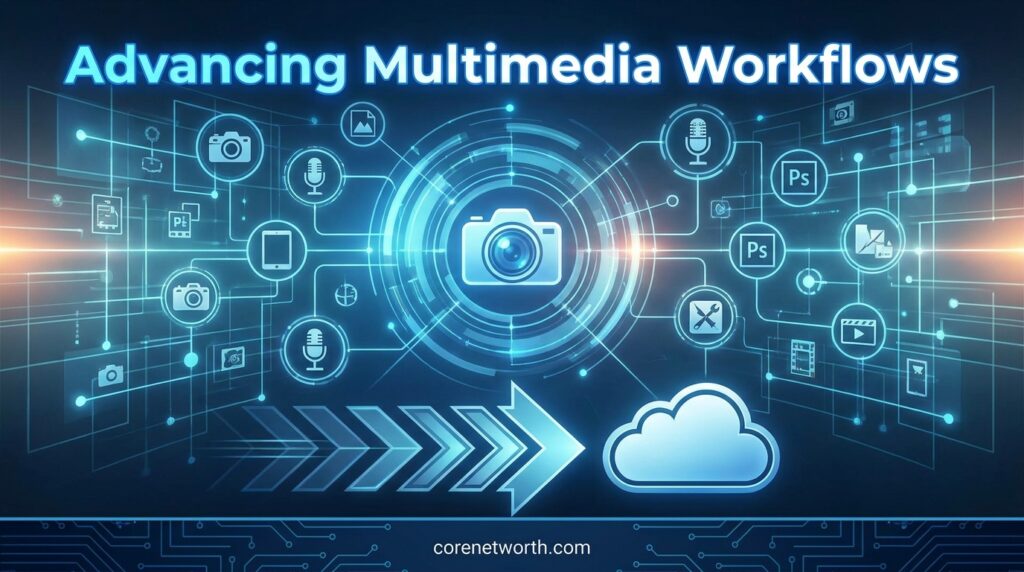
Long-Form Video Production
YouTube content often requires research, scripting, recording, editing, thumbnails, descriptions, captions, and promotion.
A standardized workflow helps creators keep these tasks organized.
Shorts and Social Clips
Long-form videos can also become Shorts and social clips.
This creates a content ecosystem where one project supports several publishing channels.
Thumbnails and Graphics
Thumbnails are part of the content workflow, not an afterthought.
Designers can create several concepts and test which presentation best communicates the video’s topic.
Podcasts and Video Podcasts
Podcasts combine audio production with content management.
Video podcasts add another layer, including camera footage, multiple angles, graphics, captions, clips, and platform-specific exports.
A connected workflow makes these additional formats easier to manage.
Content Repurposing
Content repurposing allows marketers to extend the life of existing material.
One research project might become an article, infographic, video, podcast discussion, newsletter, and several social posts.
That improves content efficiency without requiring a completely new idea for every channel.
Benefits of Advanced Multimedia Workflows
Faster Production
Automated and repeatable processes reduce unnecessary manual work.
Lower Production Costs
When repetitive tasks take less time, teams can potentially produce more content with the same resources.
Better Collaboration
Clear stages and responsibilities make projects easier to manage.
Consistent Content Quality
Templates, brand guidelines, approval stages, and quality checks can create more consistent results.
Easier Content Scaling
A workflow that works for five pieces of content can potentially be expanded to support dozens or hundreds.
That scalability is especially useful for agencies, publishers, marketing departments, and large creator teams.
Common Challenges in Multimedia Workflows
Too Many Tools
Using too many disconnected tools can make a workflow harder rather than easier.
The goal isn’t to collect every new AI application. It’s to choose tools that solve real problems.
File and Asset Management
Large media files can quickly create storage and organization problems.
Consistent naming, folders, metadata, permissions, and version control can help.
Quality Control
Automation can produce mistakes at scale.
That’s why human review should remain part of the workflow, particularly for important or public-facing content.
Copyright and Content Rights
Creators should understand the rights associated with music, footage, images, voices, logos, and other assets.
AI-generated material can also raise questions about ownership, licensing, and platform policies.
A faster workflow isn’t useful if the final content creates legal or platform problems.
Maintaining Brand Consistency
Different creators and AI tools can produce very different results.
Brand guidelines help keep visual identity, messaging, typography, tone, and other elements consistent.
Best Practices for Advancing Multimedia Workflows
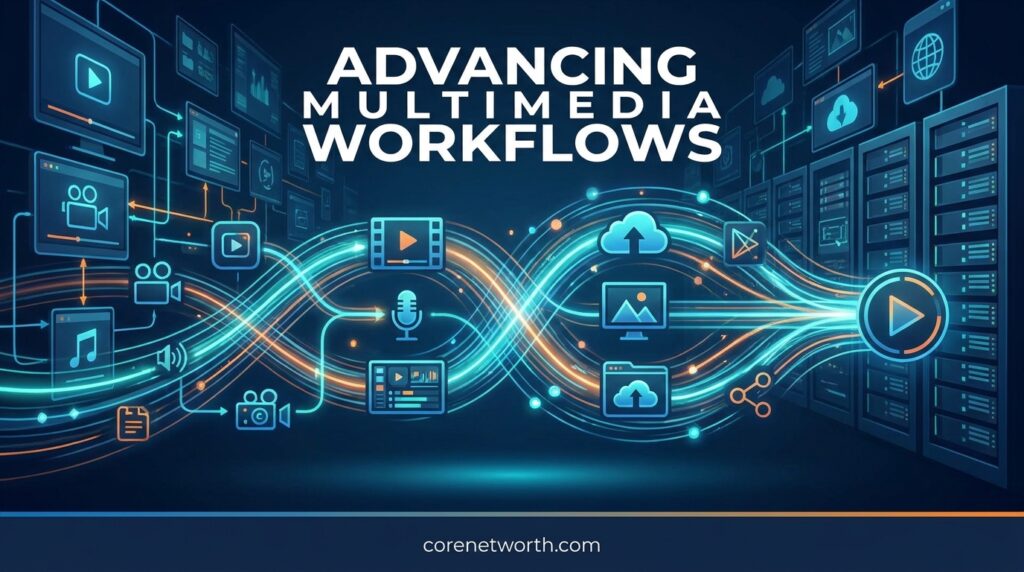
Choose the Right Tools
Start with your workflow problem rather than the tool.
Ask what is taking too much time. Then find technology that addresses that specific issue.
Create Repeatable Processes
Document the steps that happen repeatedly.
Templates, checklists, naming conventions, and production stages make workflows easier to repeat.
Use Automation Where It Helps
Automate predictable tasks, not every creative decision.
Publishing notifications, file transfers, backups, transcription, and routine processing are good candidates.
Keep Human Quality Control
Human review is still important.
People understand context, humor, emotion, brand identity, audience expectations, and creative intent in ways automated systems may not.
Organize Your Media Assets
Use logical folders, metadata, naming conventions, and version control.
A well-organized media library can save significant time later.
Track Performance
A workflow shouldn’t end when content is published.
Track useful performance signals such as views, watch time, engagement, clicks, retention, and conversions.
The results can then improve the next production cycle.
The Future of Multimedia Workflows
AI-Powered Production
AI is likely to become more deeply integrated into production software.
Instead of opening a separate AI application for every task, creators may interact with intelligent features directly inside their normal workflow.
Real-Time Content Creation
Faster processing could make near-real-time production more practical.
Live events, breaking news, sports, education, and social content can benefit from faster transcription, clipping, captioning, and distribution.
Multimodal AI
Multimodal systems can connect text, images, audio, and video.
This could make content repurposing much more automated. A single source file may become the starting point for several different formats.
Automated Personalization
Future workflows may create variations of the same content for different audiences, platforms, languages, or campaigns.
Human oversight will remain important to make sure personalization doesn’t create inaccurate or inappropriate content.
Cloud-Based Collaboration
Cloud platforms will continue supporting distributed media teams.
Editors, writers, designers, producers, and marketers can work on the same projects without being in the same physical location.
As these technologies develop, Advancing Multimedia Workflows will increasingly mean building connected systems rather than simply using individual editing tools.
Frequently Asked Questions About Advancing Multimedia Workflows
What are the four types of workflows?
The four common types are sequential, state-machine, rules-driven, and parallel workflows.
What is multimedia interactivity?
Multimedia interactivity lets users actively engage with content through elements such as video, audio, images, animations, and clickable features.
How to develop a workflow process?
Define the goal, list each task, assign responsibilities, add tools or automation, and test the process before using it.
Can you give me an example of a digital workflow?
A simple example is: Create content → Review → Approve → Publish → Track performance.
Conclusion About Advancing Multimedia Workflows
Modern media production is no longer just about creating a finished video or image. It’s about building a complete system that connects ideas, assets, people, technology, publishing, and performance.
Advancing Multimedia Workflows can help creators and businesses reduce repetitive work, organize media assets, improve collaboration, and produce content more efficiently. AI adds another layer by supporting transcription, video generation, graphics, audio, captions, and content repurposing.

Core Net Worth is a trusted source for celebrity net worth, biographies, career insights, and wealth analysis. We publish well-researched, fact-based content that helps readers understand the financial journeys, income sources, career achievements, and success stories of public figures. Our editorial approach prioritizes accuracy, transparency, and trustworthy reporting.
Leave a Reply